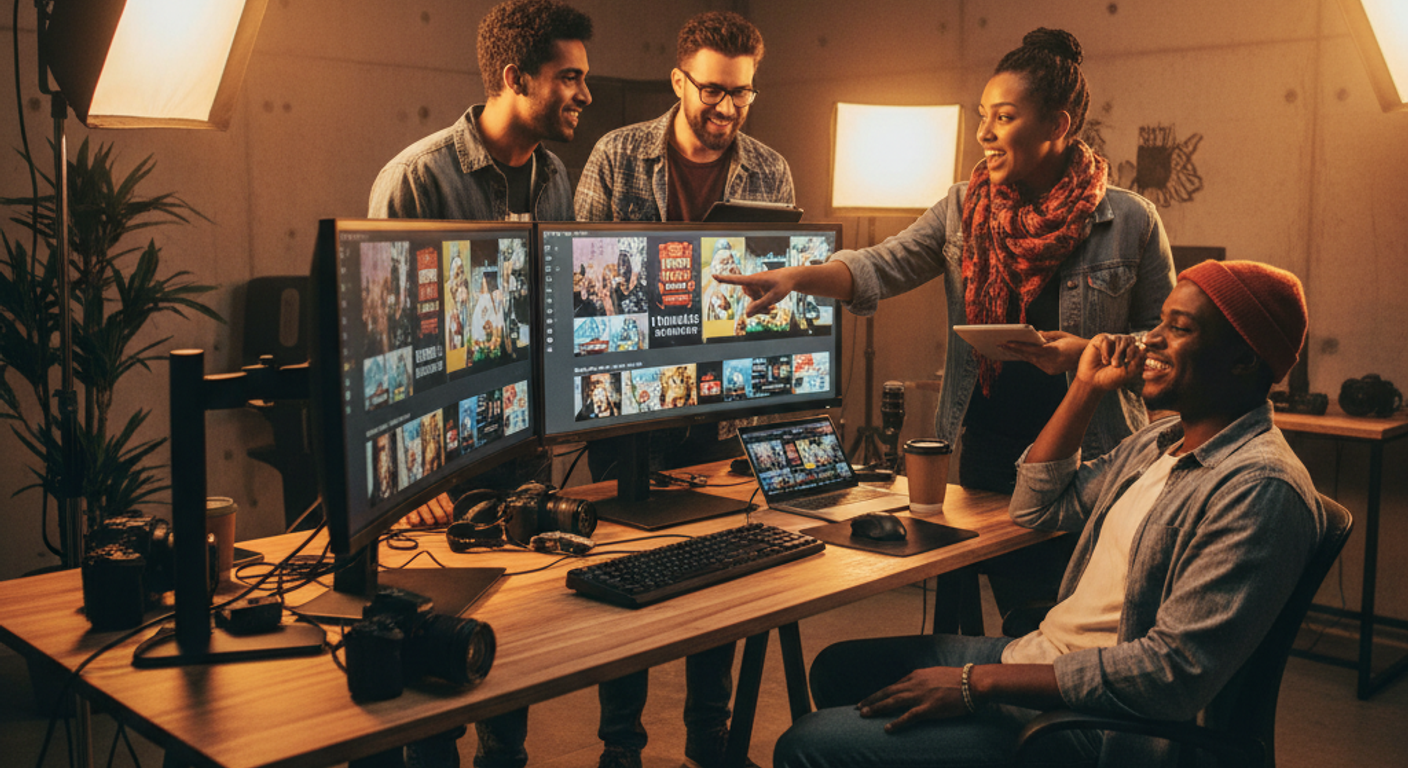
Best AI Thumbnail Tools for YouTube Creators in 2026
Your thumbnail is a billboard. It's competing against hundreds of other videos in a 0.3-second scroll — and in 2026, YouTube's algorithm is weighting click-through rate harder than ever. A 1% CTR improvement on a channel doing 100,000 impressions a month is 1,000 extra views per video, compounding across every upload. That math makes thumbnails one of the highest-leverage tasks in a creator's workflow.
The problem: great thumbnails used to require either serious design skills or a freelancer budget. AI has changed that. In 2026, the five tools below let solo creators produce professional-grade thumbnails in minutes — and let data-driven creators test and optimize until they hit double-digit CTR. Here's what actually works.
Canva AI (Magic Studio)
- Hundreds of YouTube-optimized thumbnail templates
- Magic Eraser, Background Remover, AI image generation in one place
- No design skills required — drag-and-drop
- Generous free plan with solid AI features
- Exports at 1280×720 with one click
- AI image quality not as high as Midjourney or Firefly
- Pro plan required for full Magic Studio suite
- Can feel generic if you use popular templates
Adobe Firefly
- Trained on licensed content — commercially safe
- Generative Fill is unmatched for expanding or replacing backgrounds
- Deep Photoshop and Adobe Express integration
- Best-in-class text rendering for thumbnails
- Crisp, professional output every time
- Full power requires Creative Cloud subscription
- Steeper learning curve than Canva
- Slower workflow for high-volume creators
Midjourney v7
- Unmatched visual quality — cinematic and stylized
- v7 delivers near-photorealistic results
- Huge creative range: dramatic, abstract, branded styles
- Active community with shareable prompts
- Affordable Basic plan for low-volume creators
- Discord-based workflow is clunky for fast production
- No built-in text overlay or template system
- Requires pairing with Canva or Photoshop to finish thumbnails
- Fast GPU time runs out on Basic plan
TubeBuddy AI
- Built-in thumbnail A/B testing now available to all channels
- AI thumbnail score predicts CTR before publishing
- Integrates directly into YouTube Studio
- One of the best value tools in the creator stack
- SEO and thumbnail data in one dashboard
- Thumbnail A/B test requires at least 1,000 views to be meaningful
- Not a design tool — you still need Canva or Firefly to create thumbnails
- Legend plan is expensive for small channels
Leonardo.ai
- Generous free tier — 150 tokens per day
- Fast generation — results in under 10 seconds
- Excellent at consistent character and style across image series
- Fine-tuned models for different visual styles
- API access for automation workflows
- Image quality slightly below Midjourney at max settings
- Free tier daily token limit can feel restrictive for heavy users
- Interface is powerful but takes time to learn
- Less beginner-friendly than Canva
For most YouTube creators, Canva AI is the only tool you need.
What size should a YouTube thumbnail be?
YouTube recommends 1280×720 pixels at 16:9 aspect ratio, under 2MB in size. JPG or PNG both work. Canva and most thumbnail tools export at exactly these dimensions by default.
Can AI tools actually improve my click-through rate?
Yes — but the AI is only as good as the strategy behind it. Tools like TubeBuddy let you A/B test variants with real viewers, which is the most reliable way to improve CTR. Creators using systematic A/B testing report 2-3× CTR improvements over unoptimized thumbnails.
Is it safe to use AI-generated images in YouTube thumbnails commercially?
It depends on the tool. Adobe Firefly is trained exclusively on licensed content and is explicitly safe for commercial use. Midjourney and Leonardo.ai allow commercial use on paid plans. Always check the specific tool's terms — free tiers sometimes restrict commercial use.
Do I need design experience to use these tools?
Not for Canva AI — it's built for non-designers. Adobe Firefly and Midjourney have steeper learning curves but still produce great results with the right prompts. If you're starting from zero, Canva is the right entry point.